Write C, compile with ufbt in a cloud container, and deploy FAPs straight to your Flipper Zero over USB — all from a Chrome tab. No toolchain installs. No Linux VM.

From first line of code to running on your Flipper. Zero local setup.
Docker containers running ufbt compile your C/C++ into .fap binaries. No local arm-none-eabi toolchain needed — just write code and hit Build.
Real-time 128×64 screen mirror over WebSerial. See exactly what your Flipper displays, control it with on-screen buttons or keyboard shortcuts.
Build, upload to /ext/apps/, and launch your app on the Flipper — all from one button in the browser via Flipper RPC.
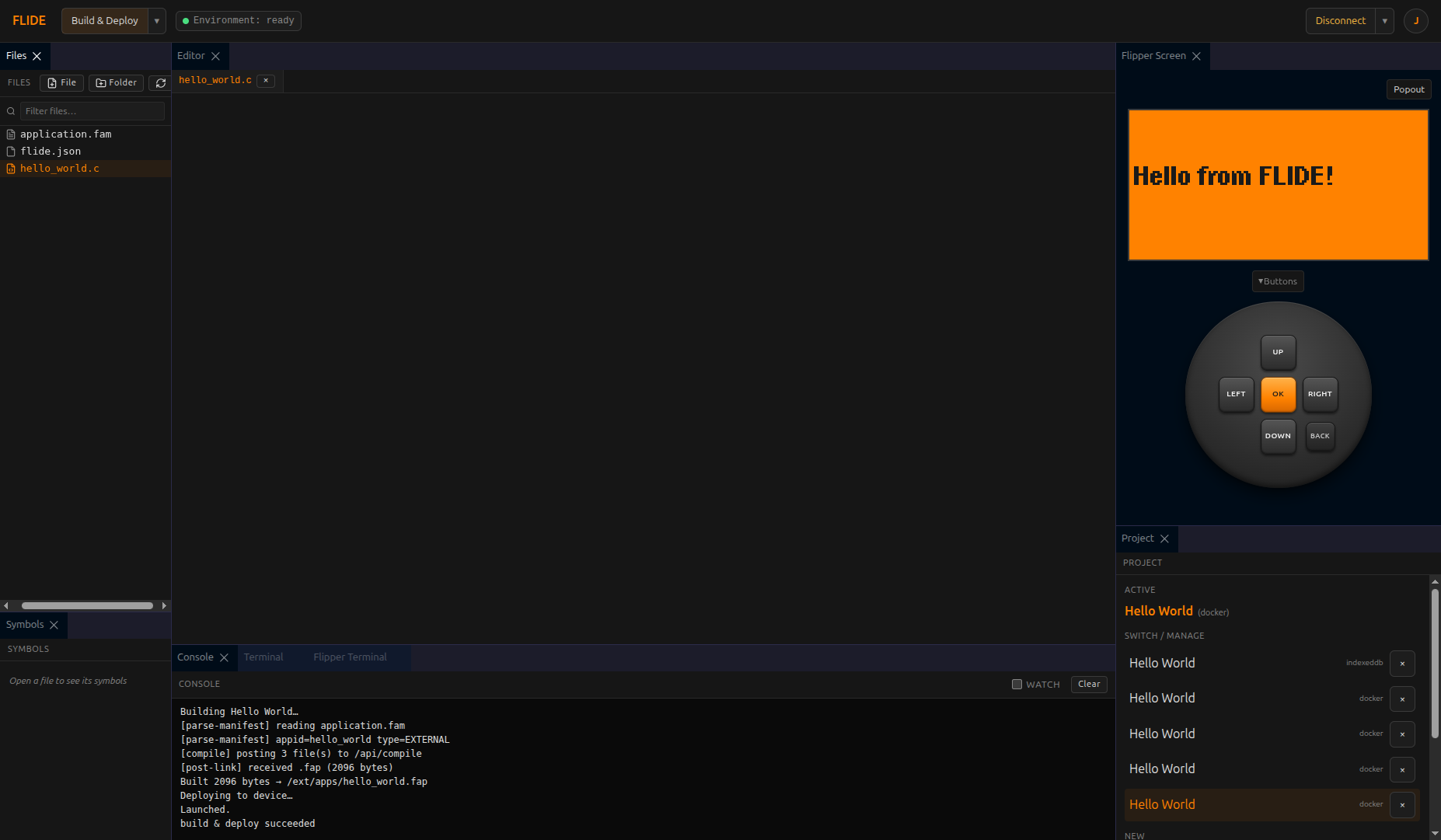
Monaco editor, file explorer, device mirror, project manager, and build console — all in one panel layout.
The IDE connected to a real Flipper Zero, showing a Hello World FAP with live screen mirror.
Not just an editor. A complete development environment for Flipper Zero apps.
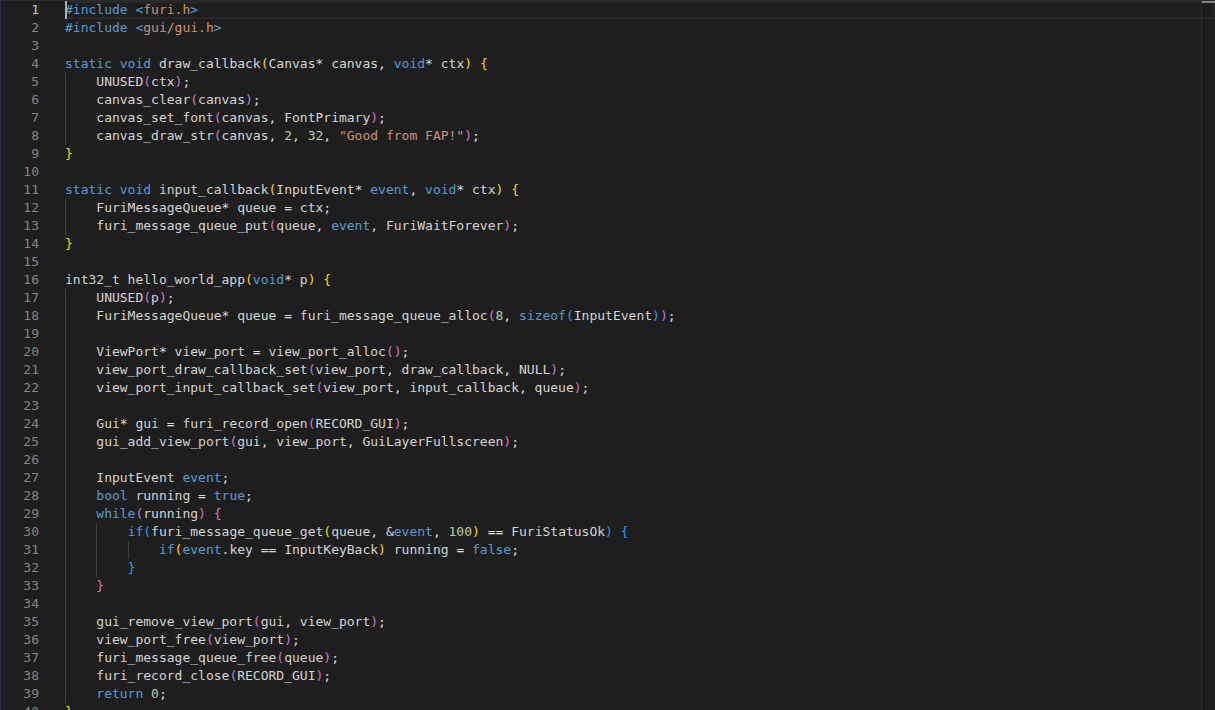
Full VS Code editing engine with syntax highlighting, autocomplete, bracket matching, and multi-cursor support.
Multiple projects, file tree with create/rename/delete, import from .zip, and per-project Docker or IndexedDB storage.
Per-project flide.json files define build targets, SDK versions, and environment settings.
WASD + arrow key input, on-screen button panel, and full Flipper navigation — control your device without touching it.
Monaco-powered editor with full C/C++ syntax highlighting.
Start free. Scale when you need more build power.